You see “tariff‑free” and the price looks perfect—what could still go wrong?
You find a refurbished phone or laptop listed as “tariff-free,” and the price undercuts everything local. You picture it landing on your doorstep like a normal domestic order.
Then the messages start: “Import fees due,” “brokerage,” “documentation,” or a tax you didn’t see on the product page. Sometimes the box arrives, but the device isn’t the grade you expected, the battery is worn, or a swapped part breaks your warranty. Even when fees don’t hit, a region lock, missing bands, or the wrong keyboard layout can turn a “deal” into a hassle.
Before you buy, you need to know what “tariff-free” actually covers—and what it doesn’t.
“Tariff‑free” on the listing: does it mean no duty, no VAT/GST, or just no extra line item?
That “covers—and what it doesn’t” usually comes down to which bucket the seller is talking about. “Tariff-free” can mean no import duty (a tariff), while other charges still apply. Many countries also collect VAT or GST on imported goods, and that tax can be due even when the duty rate is 0%. A listing can be technically “tariff-free” and still trigger a big bill at delivery.
Sometimes it means something much weaker: the seller just didn’t add a separate “tariff” line item on the product page. The package still enters your country as an import, and customs plus the carrier decide what’s owed. A common real-world snag is a low headline price paired with a shipping method that quietly pushes taxes and processing fees onto you.
So treat “tariff-free” as a claim you must translate into: duty, VAT/GST, or neither—and verify it before the math starts.
Do the all‑in math before you click Buy (the fees that show up after the discount)

Once you “verify it before the math starts,” do the math the way the delivery driver will. Start with the landed cost: item price + shipping + any checkout taxes. Then assume customs will use that full amount (sometimes including shipping) when they calculate VAT/GST or other taxes. A $320 “tariff-free” laptop with $45 shipping can get taxed like a $365 purchase, not $320.
Now add the fees that don’t look like taxes. Some carriers charge brokerage or “advancement” fees for fronting money to customs, plus small admin charges for paperwork. Marketplaces sometimes roll these into “import fees,” and sometimes they don’t. If you can’t find a clear line that says taxes are prepaid, budget a buffer you won’t miss—because the bill often shows up after the tracking updates.
Finally, compare against your local “walk-out-the-door” price, including sales tax and a realistic return path. If your savings are only $20–$40 on a $300–$600 device, one surprise fee can wipe it out—and the next detail is what decides who gets that bill.
At checkout, one detail decides who pays customs: DDP vs DAP shipping terms
That bill usually comes down to the shipping term hiding near the delivery options. If the order is sent DDP (Delivered Duty Paid), the seller or marketplace is supposed to collect and pay import duties and VAT/GST up front, so the carrier should release it without asking you for money. If it ships DAP (Delivered At Place) or “duties/taxes unpaid,” you’re the one who pays when it hits customs—and the carrier may add its own collection fee on top.
Don’t trust the banner. Look for checkout language like “import fees deposit,” “duties included,” or “taxes prepaid,” and confirm the shipping line says DDP (or an equivalent promise in writing). If you only see “international shipping” with no mention of prepaid taxes, assume DAP and budget for a payment request mid-delivery. One real snag: even with DDP, paperwork errors can still trigger a carrier invoice you’ll have to dispute.
And that’s where marketplace promises collide with the carrier’s fee list.
Marketplace promises vs the carrier’s reality: brokerage, admin fees, and ‘documentation’ charges
That collision often looks like this: the listing says “duties included,” tracking looks normal, and then the carrier emails a bill for “brokerage,” an “advancement” fee, or “documentation.” Even when the duty rate is 0%, someone still has to file the entry, move the package through customs, and collect any tax due. If the carrier fronts that money, it may charge you for the service.
Marketplaces may call this “import fees” and imply it’s handled, but the carrier works off the shipping term and the paperwork attached to the box. A missing tax ID, a vague description like “electronics,” or an under-declared value can trigger manual processing and extra charges. The annoying part is timing: these fees often show up when the package is already in your country, so you pay first and argue later.
Before checkout, look for a written promise that taxes are prepaid and ask which carrier method is used—because the next section’s problems aren’t financial at all.
The refurb trap that costs more than any tariff: grades, parts swaps, and battery health
Those non-financial problems usually show up the moment you open the box. A “Grade A” label can still mean “looks clean from arm’s length,” not “original parts and like-new wear,” and different sellers use different grading rules. If the listing doesn’t spell out what counts as “excellent,” assume you’re buying someone’s definition, not a standard.
Parts swaps are where the savings disappear. A non-original screen can mean weaker brightness, worse touch response, or missing features like True Tone, and some devices will flag it in settings. Replacement keyboards and trackpads can feel fine at first, then fail early. Ask for “OEM parts only” in writing, or at least a clear list of what was replaced.
Then check battery health like it’s a price line item. “80% minimum” can still mean short runtime on day one, and shipping a return cross-border can cost more than the discount. If the seller won’t state battery percent and cycle count, keep scrolling.
Will it actually work in your country? (bands, locks, plugs, keyboards, and software)
That “keep scrolling” instinct saves you again when the device technically works—just not where you live. A phone can arrive unlocked and still drop calls because it’s missing key LTE/5G bands used by your carrier. If the listing doesn’t name the exact model number, you can’t reliably check band support, so ask for it and match it against your carrier’s supported bands.
Also watch for locks that aren’t obvious in photos: carrier locks, unpaid-device blacklists, and “region” restrictions that block activation outside the original market. For laptops, the gotchas are simpler but still annoying: the wrong power plug, a non-US keyboard layout, and a Windows license tied to another region or language.
Practical downside: fixing any of this after delivery usually means a cross-border return. Before you buy, confirm model number, unlock status, and plug/keyboard details in writing—then decide if the warranty and return path can actually carry the risk.
If it arrives wrong or breaks later: cross‑border returns, warranty coverage, and payment protection
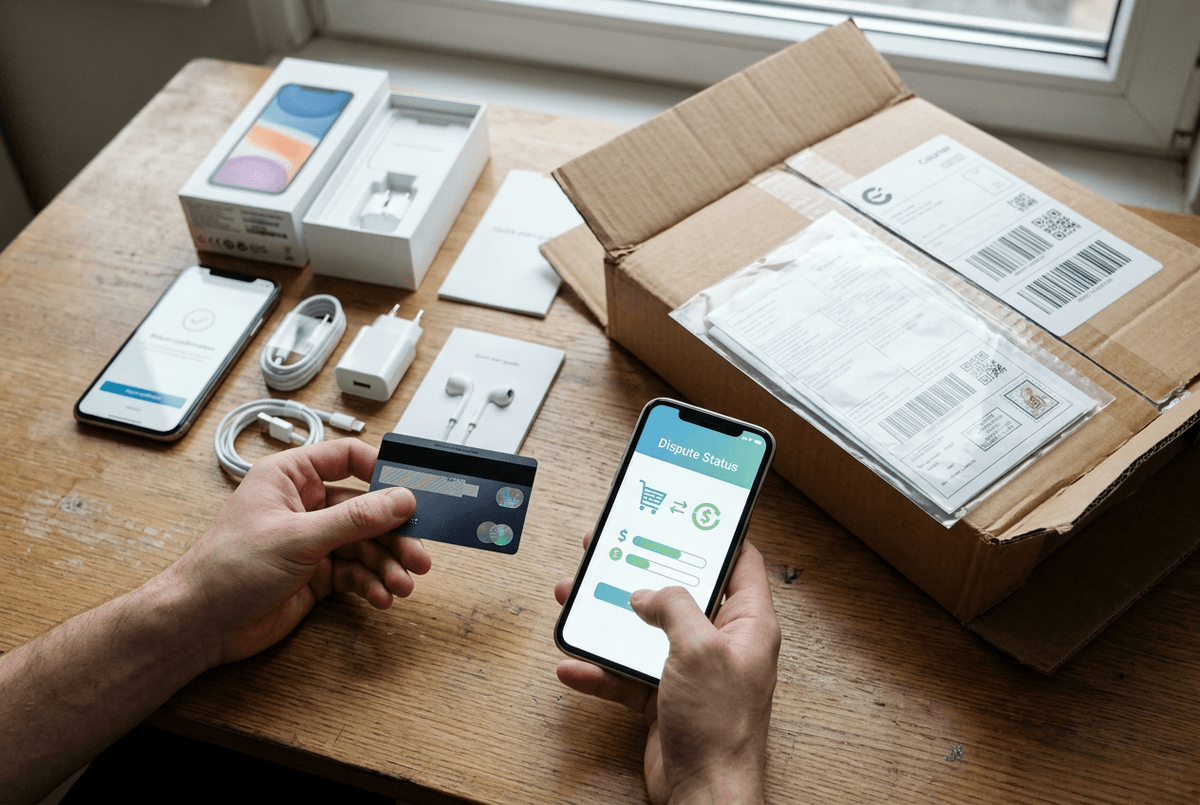
That return path is where “tariff-free” savings often get trapped. If the phone arrives with the wrong storage size or the laptop has a bad port, your cheapest option may be shipping it back internationally—on your dime. Some sellers require the original box and a specific carrier, and the return window can be short once you factor in customs delays. A $35–$70 return label can erase the discount fast.
Warranty terms can be even narrower than the listing suggests. “One-year warranty” may mean “seller warranty,” not the manufacturer’s, and it can exclude batteries, screens, or “wear items.” If the device needs service, you might have to ship it back to the seller’s country, wait for inspection, then wait again for a replacement—while your refund clock keeps ticking. Get the warranty provider, coverage exclusions, and return address location in writing before you pay.
Payment protection is your last lever. Use a method with chargeback rights, keep screenshots of the listing and any “DDP/duties included” promises, and record the unboxing and first power-on. If the seller stalls, you’ll want clean evidence before the dispute deadline closes.
A final 60‑second “tariff‑free” checklist before checkout
That evidence is most useful when you can point to what you checked before you paid. In the last 60 seconds before checkout, confirm the shipping term: DDP (taxes prepaid) in writing, or assume DAP and add a buffer for VAT/GST plus carrier brokerage/admin fees. Recalculate “landed” cost using item + shipping, since that’s often the taxable base.
Then verify the device itself: exact model number, unlock status, and the bands your carrier uses; for laptops, the plug type, keyboard layout, and OS language/license region. For refurb details, get the grade definition, battery health (percent and cycles), and a list of replaced parts. Finally, read returns/warranty like a bill: who pays return shipping, where it ships back to, what’s excluded, and the dispute deadline on your payment method.