You bought a premium OLED—now what’s the minimum you need to do?
You unbox the TV, peel the film, and the screen looks perfect—then the worry shows up the first time a fingerprint or a dust speck catches the light. With OLED, the “minimum” isn’t a special kit or a deep-clean schedule. It’s a few small habits that prevent the two most common mistakes: rubbing grit across the panel and using the wrong liquid.
The annoying part is that most damage happens during cleaning, not during watching. A paper towel, a random spray, or a “screen wipe” from a drawer can leave faint scratches or streaks that you only notice on dark scenes.
Get the basics right, and the rest becomes simple.
Habit #1: Keep hands, sprays, and “mystery cloths” away from the panel
That simplicity starts with what you don’t let touch the panel. In real homes, the first marks usually come from quick fixes: a kid taps the screen, someone points during a game, or you grab whatever “screen wipe” is closest. Oils from skin turn into shiny patches, and once you try to buff them out with a rough cloth, you can grind in dust you didn’t even see.
Make it a rule: no fingers on the screen. If you need to point, point at the bezel or use the remote cursor. Don’t spray the panel, even “safe” glass or electronics cleaners. Overspray can creep to the edges and leave a hard-to-remove haze, and it’s easy to end up wiping more than you needed to.
Also retire the mystery cloths—anything that’s washed with fabric softener or used on countertops can carry grit. Keep one clean microfiber in a drawer, and only use it for the TV.
Before you wipe: is it dust, an oily smudge, or a stuck-on spot?
That one clean microfiber works best when you match it to what’s actually on the screen. Most of the time it’s just dust. If you see a few light specks that disappear when you change your viewing angle, don’t “polish” the panel—use the softest touch possible, because dust can include gritty bits that act like sand.
If the mark looks darker or shiny and stays put from every angle, it’s usually skin oil. That’s the one people overwork: they press harder, the smudge spreads, and they end up rubbing a larger area than the original fingerprint.
If it looks like a dot or streak that won’t budge with a gentle pass, treat it as stuck-on. The limitation is time: forcing it off fast is how micro-scratches happen. The next habit is a 60-second routine that keeps you from scrubbing at all.
Habit #2: Your 60-second daily routine that avoids micro-scratches
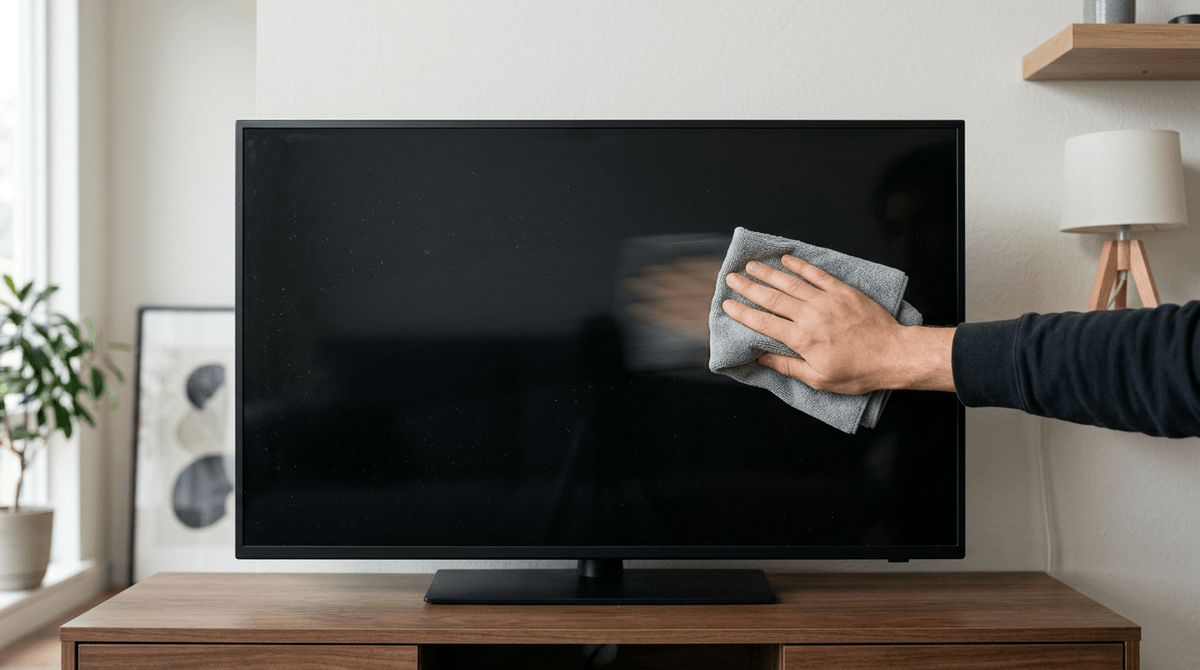
That “60 seconds” is what you do when you notice something and feel the urge to scrub. Most days, you don’t need to touch the panel at all. What you want is a quick pass that removes loose dust safely and tells you whether a mark needs a different approach.
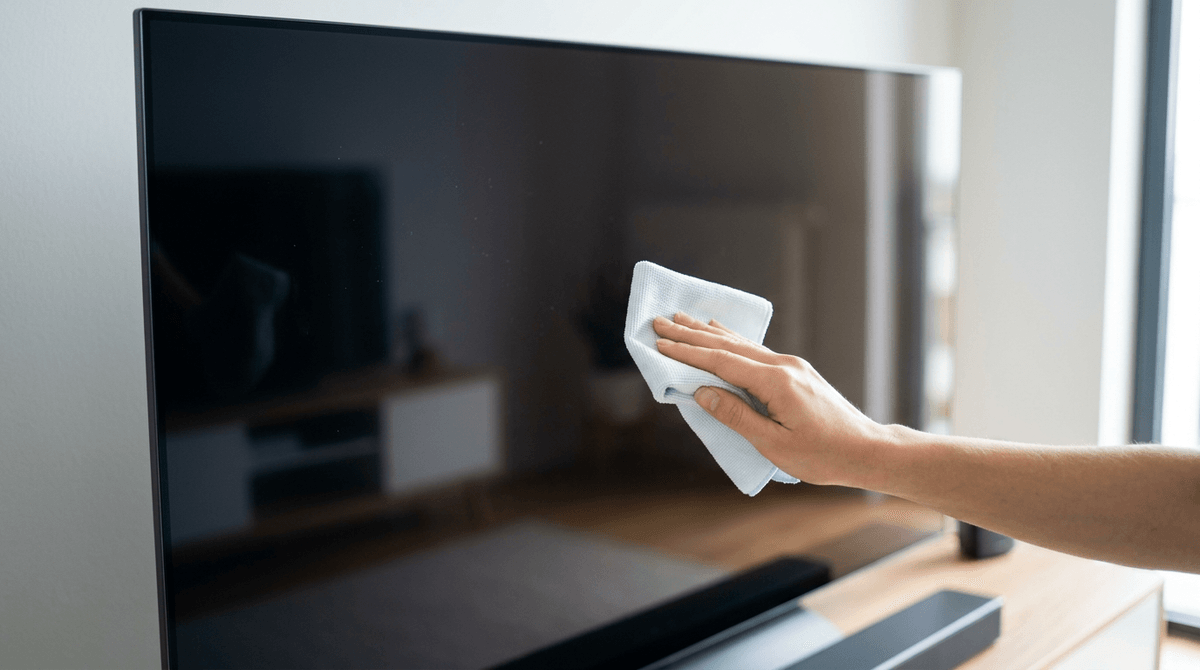
Start with the TV off so you can see specks clearly. With your dedicated microfiber, make one light, dry sweep across the screen in straight lines—no circles, no pressure, and no back-and-forth buffing. Then fold the cloth to a clean side and do one more sweep. If the speck is gone, stop. If a shiny smudge remains, don’t escalate by pressing harder; that’s when tiny grit leaves hairline marks you’ll only notice on dark scenes.
The real-world constraint: a microfiber that’s “clean” in the laundry can still pick up lint or grit from other clothes. Keep it in a sealed bag or drawer, and replace it if it ever hits the floor. When a spot survives two gentle passes, it’s telling you it isn’t daily-routine work—and you’ll handle it differently.
Habit #3: A weekly clean that won’t leave streaks (and doesn’t require special products)
When a shiny smudge survives those two gentle passes, most people reach for “screen cleaner” and end up chasing streaks across a dark scene. The weekly clean is slower, but simpler: use clean water and control where it goes. Turn the TV off, let it cool for a few minutes, then lightly dampen a second microfiber cloth with distilled water (damp, not wet).
Wipe in straight lines with almost no pressure, working a small area at a time. Immediately follow with your dry dedicated microfiber to pick up any moisture before it dries into a haze. If the mark is oily, you may need two damp passes—don’t press harder. And don’t spray anything on the panel; even a fine mist can run to the bottom edge.
The annoying limitation is laundry residue. If your microfiber was washed with detergent or softener, it can leave faint film. Keep two “TV-only” cloths and replace them when they stop drying clean.
Habit #4: Treat heat and airflow like part of picture care
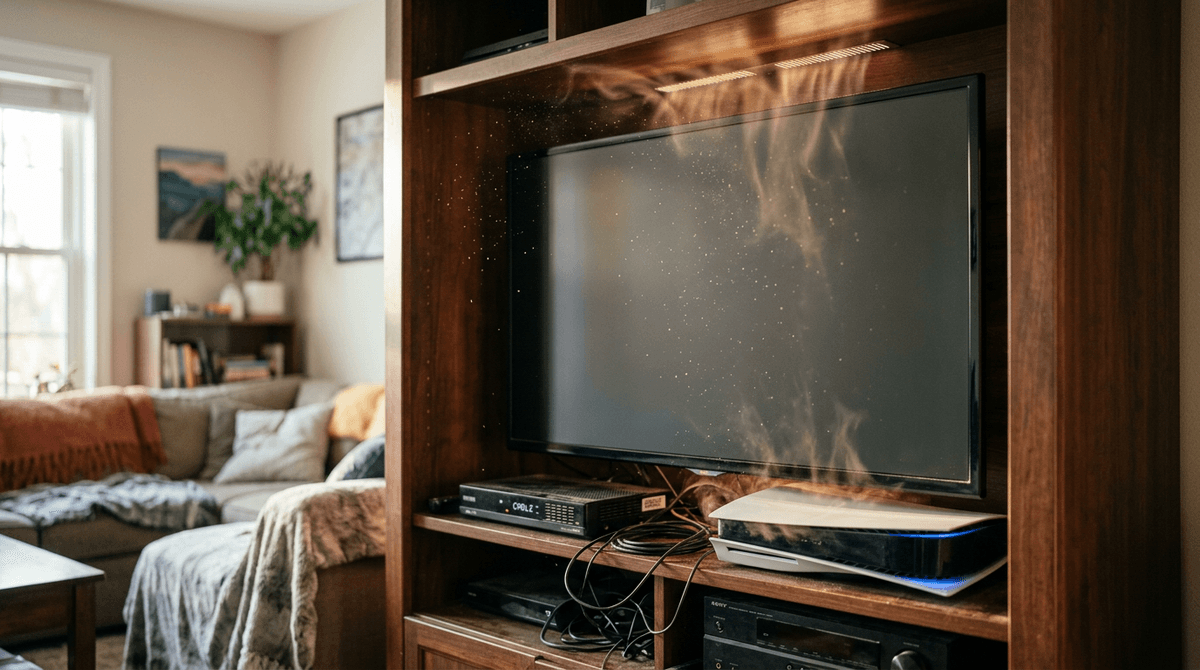
When cloths stop drying clean, it’s often because the area around the TV is collecting more dust than you think—and heat is usually why. A warm panel and a warm cabinet pull in airflow, and that airflow brings fine grit that ends up back on the screen the next time you wipe.
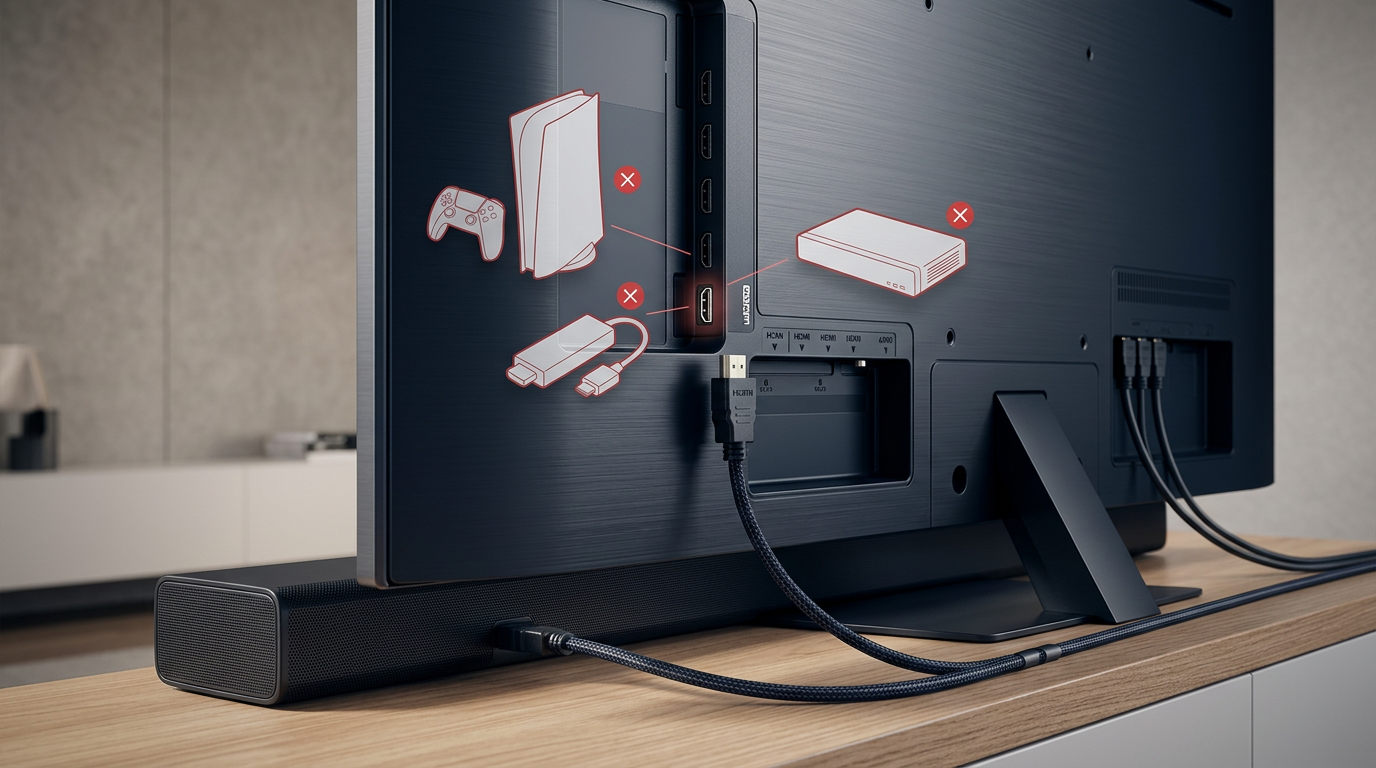
Give the TV room to breathe. If it’s in a tight console, don’t stack a cable box or game console right under it, and don’t block rear vents with a soundbar shelf or a wall-mount cover. If the set feels hot to the touch after an hour, that heat is soaking into the panel and the electronics. It can also bake on a faint film from cooking or candles faster than you’d expect.
The practical hassle is furniture: sometimes you can’t move the TV, but you can add a little space, crack the cabinet door during long sessions, and vacuum dust around the vents so it doesn’t circulate. Keep that airflow under control, and the few burn-in traps become easier to avoid.
Habit #5: Use the TV normally—just avoid the few burn-in traps
Those burn-in fears usually spike the first time you pause a game, leave a news channel on, or use the TV as “background” while you cook. In normal mixed use, modern OLED protection features do most of the work. The traps are the repetitive ones: a bright static logo for hours every day, a paused HUD at max brightness, or a PC desktop with fixed taskbars and icons sitting there all afternoon.
If you game, set the console to dim or hide HUD elements when possible, and don’t leave the game paused during dinner. If you watch channels with persistent logos, mix in other content and use the TV’s logo dimming and screen shift settings instead of disabling them. For PC use, enable a moving screensaver, hide the taskbar, and avoid full-day static windows.
These changes feel fussy at first, but they’re easier than trying to “undo” uneven wear later.
When something looks wrong: stop guessing and choose your next step
That “undo it later” hope is where people usually start poking at the screen when something looks off. If you notice a new line, a blotch, or a faint band, don’t clean harder. Turn the TV off, let it cool, and check with a flashlight at an angle: if it’s on the surface, it will move with the light. If it only shows in content, run a built-in panel refresh once and stop there.
If it shows up on multiple inputs and apps, take photos of a 5% gray test and a solid color screen, then call support while it’s under warranty. The hard part is patience—repeated “fixes” can create new marks that are harder to explain later.