You’re upgrading a TV—what’s actually bothering you about your current streamer?
You buy a new TV, plug in your old streamer, and the experience still feels weirdly dated. Apps take a beat to open, the home screen hesitates, or the stream drops to blurry at the worst time. Sometimes it’s smaller stuff: you can’t control TV power and volume reliably, the remote gets lost, or the device dangles off an HDMI port and looks like a hack.
Those annoyances are the real decision points between a Roku Streaming Stick and a Roku Ultra. The model names don’t matter as much as what’s failing in your room: Wi‑Fi reach, the need for Ethernet, how fast you jump between apps, and whether your TV and sound setup actually benefit from the higher-end formats and ports.
Your TV setup changes the answer more than the model names do
In most living rooms, the streamer isn’t the bottleneck until the setup makes it one. A Streaming Stick can feel perfect on a TV that sits near a decent router, uses the TV’s speakers, and mostly plays one app at a time. Put that same Stick behind a wall-mounted TV in a far bedroom, add a soundbar, and start hopping between live TV and three streaming apps, and small limits show up fast.
If your TV already has fast built-in apps and you just want a clean Roku interface, a Stick often does the job with less cost and clutter. If your TV’s apps feel unstable, or you’re trying to make one Roku serve a more “home theater” setup, the Ultra tends to age better because it’s built like a small hub: more consistent connectivity options, more room for wired hookups, and fewer “why did it do that?” moments.
Sticks win on simplicity and price; Ultras win when your room adds complexity. The next question is whether your day-to-day use even exposes speed and lag.
When speed feels ‘instant’ vs. ‘fine’: what lag looks like in real use
If you mostly open one app and press Play, a Streaming Stick can feel “instant” enough. The delays show up when you use Roku like a control panel: you hit Home, jump to YouTube, back out, open a live TV app, then search. On older or lighter hardware, that’s where you notice half-second pauses, longer app loads, and the occasional moment where the remote input feels like it registered late.
The Ultra tends to feel snappier in these “lots of switching” routines because it has more headroom. You don’t buy it to shave one second off a cold app launch; you buy it to avoid the little stutters that add up when you’re browsing, scrubbing through a timeline, or bouncing between apps during commercials.
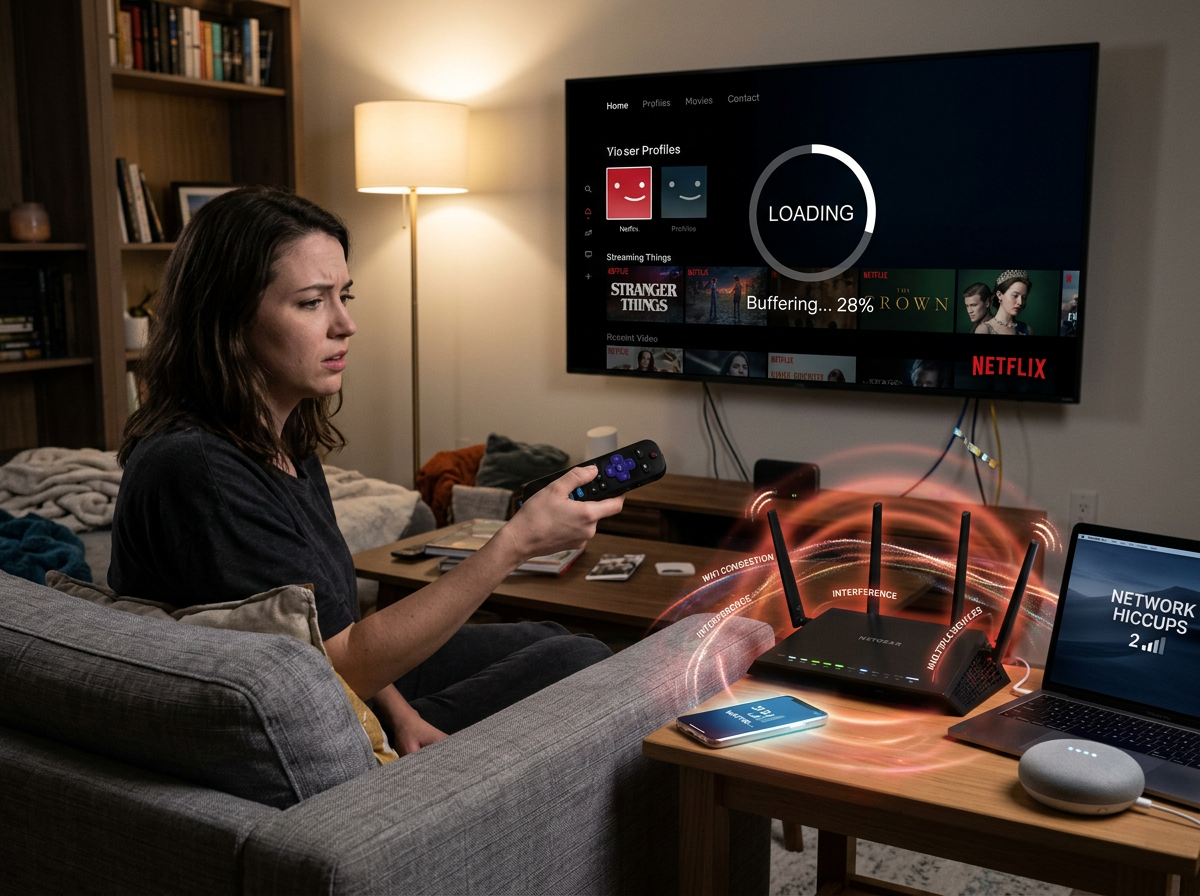
The friction is that speed differences are hard to demo in a store, and your network can mask or amplify them. If you’ve been blaming “Roku slowness” but the real issue is Wi‑Fi hiccups or a busy router, the faster box won’t fix the root cause—which is where connectivity starts to decide the match.
If your Wi‑Fi has dead spots, the decision gets simple
That “network can mask or amplify” part is where a lot of upgrades get decided for you. In rooms with weak Wi‑Fi—behind a wall-mounted TV, down a hallway, or on a different floor—the problem doesn’t look like “buffering” at first. It looks like streams that start crisp and then drop to soft, a live channel that suddenly spins, or an app that loads fine one day and crawls the next.
If that sounds familiar, prioritize the Roku Ultra because it can take Ethernet. A wired connection won’t make Netflix prettier, but it usually makes it consistent: fewer random resolution drops, fewer reconnects, and less time wasted rebooting the router “just to see.” Even if you can’t run a cable today, having the port gives you a clean escape hatch later (a short run to a mesh node with Ethernet, or a MoCA setup).
Ethernet only helps if you can actually get a wire to the TV stand. If you can’t, you’re back to Wi‑Fi—so the next thing that starts to matter is what formats and audio gear your setup can really use.
Picture and audio formats: only a few are worth shopping around
Most people buy a new Roku hoping the picture “pops” more, then realize the bigger change is whether their TV and apps are actually using the same few formats. If your TV supports Dolby Vision and you watch services that deliver it (think Netflix, Disney+, Apple TV+), the Roku Ultra is the safer pick because it’s built for that top-tier HDR path. If your TV is HDR10-only—or you mostly watch YouTube and cable-style apps—you won’t see a meaningful win just from chasing format badges.
Audio is similar. If your setup is the TV speakers, you’ll rarely notice a difference beyond volume leveling and dialog clarity that comes from the mix, not the box. But if you run a soundbar or AVR and you care about Dolby Atmos, confirm your whole chain supports it (app → Roku → HDMI input → sound system). The friction: one weak link forces everything down to basic Dolby Digital, and the more expensive Roku won’t change that.
Once formats are “good enough” for your gear, the decision shifts back to the stuff you touch every day: the remote, the ports, and where the device will physically live.
Remote comfort, ports, and ‘where will it live?’ practicalities
That “stuff you touch every day” is where the Ultra often earns its keep. In a normal living room, you pick up the remote, change volume, maybe plug in headphones at night. If you want private listening without pairing anything, the Ultra’s remote with a headphone jack is the cleanest option; with a Stick, you’re more likely to fall back to the Roku mobile app and hope your phone stays on the same Wi‑Fi.
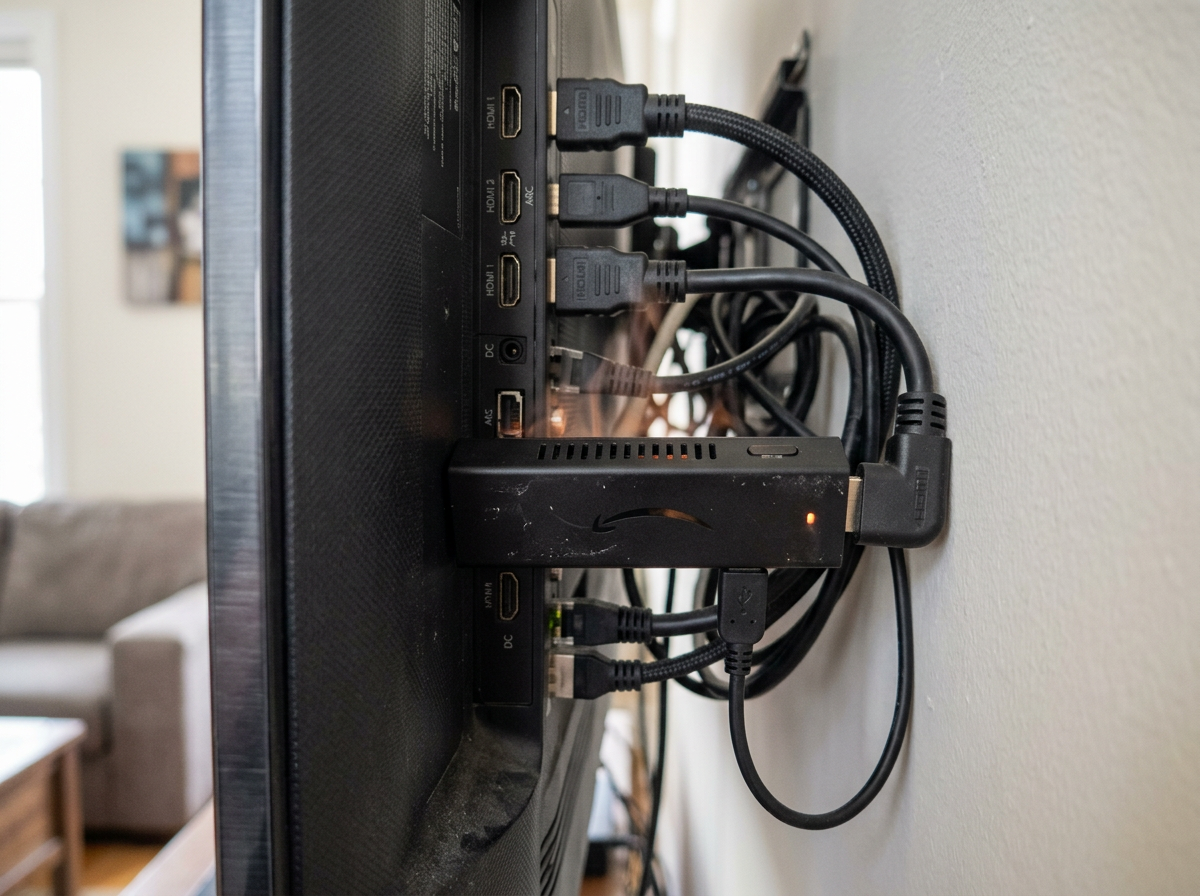
Then there’s the physical setup. A Stick hides behind the TV and keeps the cabinet clean, but it can run hot in a tight HDMI cluster and sometimes needs an HDMI extender just to fit. The Ultra sits on the TV stand, which looks less “invisible” but gives you real ports: Ethernet (if you add it later), USB for certain local media, and a box you can reach when you need to power-cycle it.
The trade-off is clutter versus control. If your TV is wall-mounted with no shelf, the Stick is simpler; if you have a cabinet and multiple devices competing for inputs, the Ultra is easier to live with. That leads straight into the question people regret later: did you pay for upgrades you’ll never use?
The “don’t overpay / don’t regret it” checklist before you click Buy
That regret usually comes from paying for “capability” you can’t use, or skipping one thing your room actually needs. Before you buy, run this quick check: if the TV is far from the router or Wi‑Fi is flaky, pick Ultra for Ethernet. If you jump between apps a lot and hate little pauses, lean Ultra; if you mostly open one app and watch, a Stick is typically enough. If your TV and services use Dolby Vision (and you care), Ultra is the safer bet. If you want headphones from the remote, Ultra. If the TV is wall-mounted with no place for a box, Stick.
Then sanity-check the price. If Ultra costs only a little more than the Stick you’re eyeing, it’s often the “fewer surprises” buy; if it’s a big gap, don’t pay it unless one of the deal-breakers above is true.