You’re staring at two listings: used RTX 2080 or step up to a 3080?
You’ve got two tabs open: a used RTX 2080 at a price that feels “safe,” and an RTX 3080 that costs more but promises a big jump. The trap is treating this like a simple FPS race. In real builds, the decision usually starts with a specific pain: dips below your monitor’s refresh rate, a move to 4K, louder fans than you want, or ray tracing settings you keep turning back off.
Because the 3080 isn’t just “faster.” It can also demand more from your power supply, case clearance, and cooling, which can turn an upgrade into a parts cascade. So before you compare charts, pin down what you’re actually trying to fix day-to-day.
Before you compare FPS, what are you actually trying to fix?
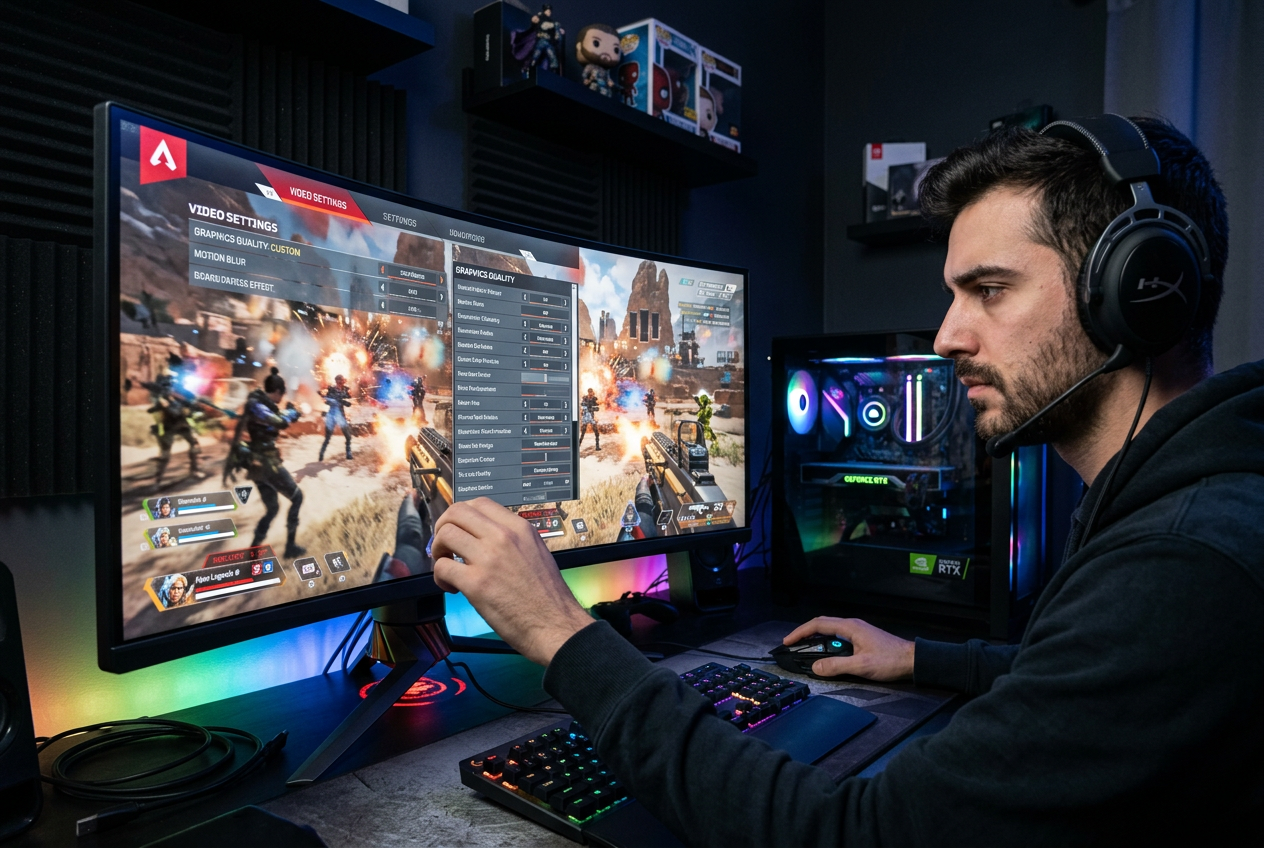
If your games already feel smooth, a “faster” GPU can land like a spreadsheet win, not a real upgrade. The easiest way to avoid that is to name the problem in plain terms: are you trying to stop 1% low stutters in busy fights, hold 144Hz without drops, or move from 1440p to 4K without turning settings down?
Then check what’s actually holding you back. If your GPU usage sits near 95–99% and your frame rate tanks when you raise resolution or add ray tracing, the card is the limiter and a 3080 can change your day-to-day. If you’re CPU-bound—high CPU usage, lower GPU usage, FPS barely changes between 1080p and 1440p—either card will feel similar unless you change the rest of the system.
Also be honest about your “quiet build” goal. A 3080’s extra heat can mean higher fan noise or a case airflow rethink, even when performance looks great on paper.
At 1440p, does the 3080 feel faster—or just benchmark faster?
When you bump a game from 1080p to 1440p, you expect the “bigger” GPU to feel instantly different. But at 1440p, the 3080’s advantage often shows up first as steadier frame pacing, not just a higher average FPS number. If you’re chasing 144Hz, that matters: the 2080 can look fine in a benchmark run, then dip in crowded scenes and make the mouse feel slightly mushy.
The catch is how often you’re actually GPU-limited at 1440p. In lighter esports titles, a decent CPU can cap you long before either card breaks a sweat, so the 3080 turns into headroom you don’t notice. In heavier games, though, the 3080 more reliably holds high settings without “one step down” compromises like dropping shadows or turning down volumetrics.
That extra headroom can tempt you into higher settings that also raise noise and temps, so the “feel” improvement depends on your cooling and fan curve.
When you flip to 4K, the gap stops being subtle
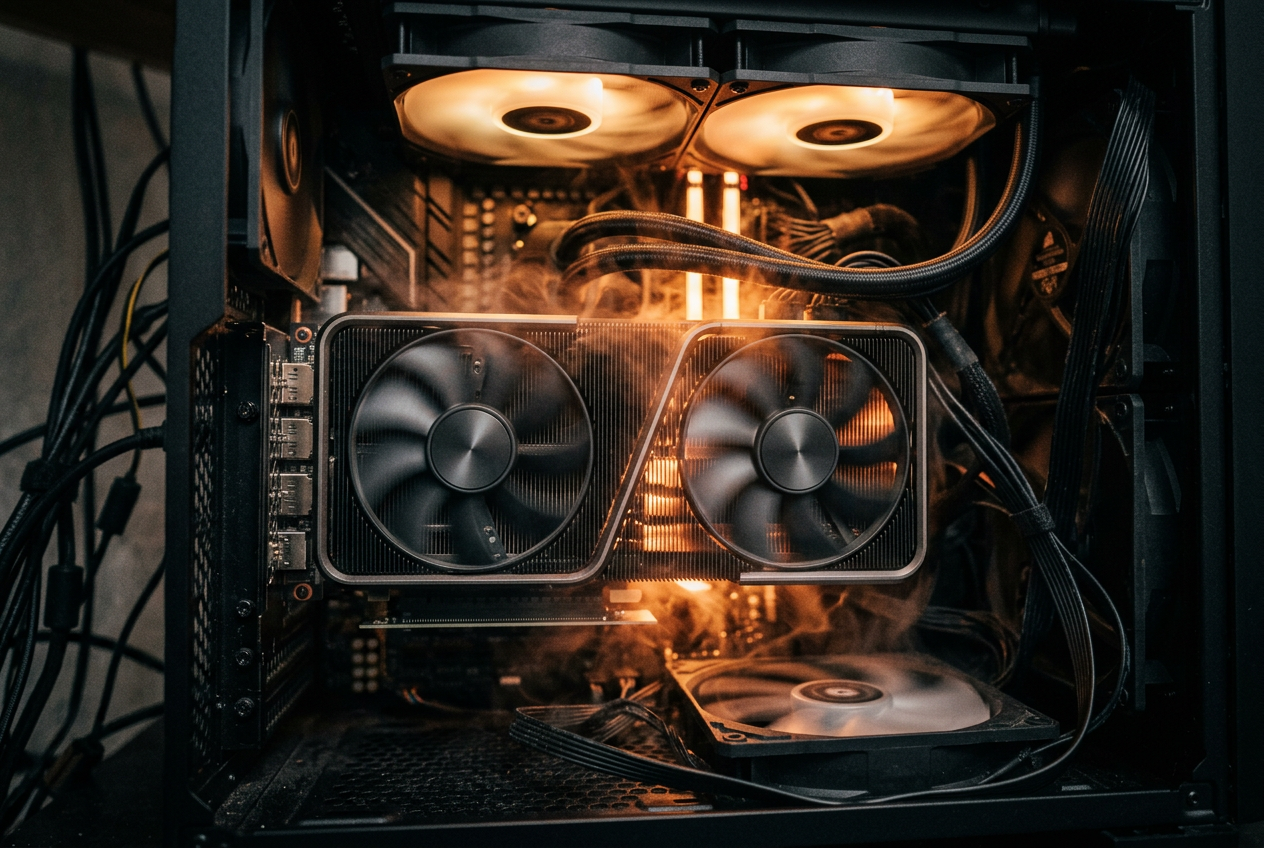
That cooling and fan-curve reality gets louder at 4K, because you can’t “headroom” your way out of the workload anymore. At 3840×2160, the GPU is almost always the limiter, and the RTX 2080 runs out of room fast: you start choosing between sharpness and stability, dropping from ultra to high, trimming texture or shadow settings, or leaning on resolution scaling just to stay above 60 FPS in newer AAA games.
The RTX 3080 changes what your default settings look like. Instead of treating 4K as “high with compromises,” you’re more often in the zone where high-to-ultra settings are playable without constant dips, and 60–90 FPS becomes a realistic target depending on the title. It’s less about winning a benchmark and more about not having to tune every new game on day one.
The friction is that 4K exposes the whole system: the 3080’s extra power draw turns into more heat to dump, so a case with weak airflow can trade those extra frames for higher noise, or even mild boost throttling. The next question is what happens when you add ray tracing on top.
Ray tracing + DLSS: which card holds up when you turn on the eye candy?
That “add ray tracing on top” moment is where a lot of 2080 builds hit the wall. You turn on RT reflections or global illumination, frame rate drops hard, and suddenly you’re choosing between pretty lighting and responsive controls. At 4K, it’s even more punishing, because you’re stacking a heavy RT load on an already maxed-out pixel count.
The 3080 usually holds together better here, not because ray tracing magically gets cheap, but because it has more room to absorb the hit and still stay in a playable range. DLSS becomes the pressure valve for both cards, but it matters how you use it: on a 2080, DLSS often feels like something you “need” to avoid turning RT back off, while on a 3080 it’s more often what lets you keep higher RT levels without dropping to 60.
The trade-off is image quality control. The more you lean on DLSS modes that boost FPS, the more you risk shimmer or softer detail, so the real question becomes which compromises you notice faster: lighting features, or sharpness.
Power, heat, and size: will a 3080 create new problems in your build?
If the compromise you notice first is noise, a 3080 can force the issue. In a lot of cases it pulls enough more power than a 2080 that your “quiet” fan curve stops being optional: GPU fans ramp harder, case fans have to follow, and the whole system sounds different in the exact games where you turned RT and DLSS on.
The practical check is boring but decisive: PSU capacity and connectors. Many 3080 models want two (sometimes three) 8-pin plugs, and they’re far less forgiving of an older, borderline PSU when the card spikes power under load. If you’re already close to the edge—midrange CPU plus a few drives and a pump—an upgrade can turn into “also buy a better PSU,” which changes the value math fast.
Then there’s fit and airflow. A lot of 3080s are long, thick, and heavy, so front radiators, drive cages, or a tight mid-tower can become real constraints, and sag becomes a thing you need to solve. That’s why the used-market question isn’t just price—it’s the hidden costs you’ll eat to make it work.
Used-market reality check: price, risk, and the ‘hidden costs’ of upgrading
Those “hidden costs” usually show up after you’ve already mentally spent the GPU money. A used 3080 that looks like a deal can turn expensive once you add a higher-watt PSU, a couple decent case fans, or even a new case because the card is too long or too thick. If you’re upgrading from a 2080, those add-ons don’t raise FPS, but they still hit your budget.
Then there’s risk. With used cards, you’re buying someone else’s heat and power history: mining use, dusty fans, dried-out pads, or a cooler that’s been taken apart. Ask for proof it runs a stress test, photos of the power connectors, and the original receipt if warranty transfer is possible. If the seller can’t show basics, price it like it might fail.
Finally, plan for the annoying stuff: swapping cables, redoing your fan curve, and living with more noise if the card runs hot in your case. If that sounds like a chore, the “value” gap closes fast.
Making the call: the simple scenarios where each GPU makes sense
If “value” shrinks once you add a PSU, extra fans, or a new case, the upgrade stops being a clean win. The RTX 2080 makes sense when you’re staying at 1440p, you mostly play lighter or older games, you’re already happy with high settings, and you’d rather keep your build quiet and simple than chase headroom you won’t use.
The RTX 3080 makes sense when you’re moving to 4K, you want 60–90 FPS without tuning every new release, or you plan to use ray tracing regularly and don’t want DLSS to feel mandatory. The decision flips fast if your case is tight, your PSU is borderline, or noise is a deal-breaker—because “faster” can turn into “louder and more expensive” overnight.