You just want clearer TV dialogue—so why do cheap soundbars feel like a gamble?
You turn the TV up for dialogue, then turn it back down when music hits. In an apartment, that swing gets old fast. A budget soundbar looks like the simple fix: one cable, bigger sound, “clear voice,” done.
The gamble is that the box doesn’t show the trade-offs you’ll feel on day one. One bar plays nice with your TV’s HDMI/optical setup; another drops audio, won’t control volume, or forces you into a weird setting that breaks other devices. Some get louder but still smear words, or add a delay that makes mouths look off.
That’s why the smartest move is screening for the few compromises that actually show up in real living-room use.
Danger #1: The connection that “should work” (but doesn’t) with your TV
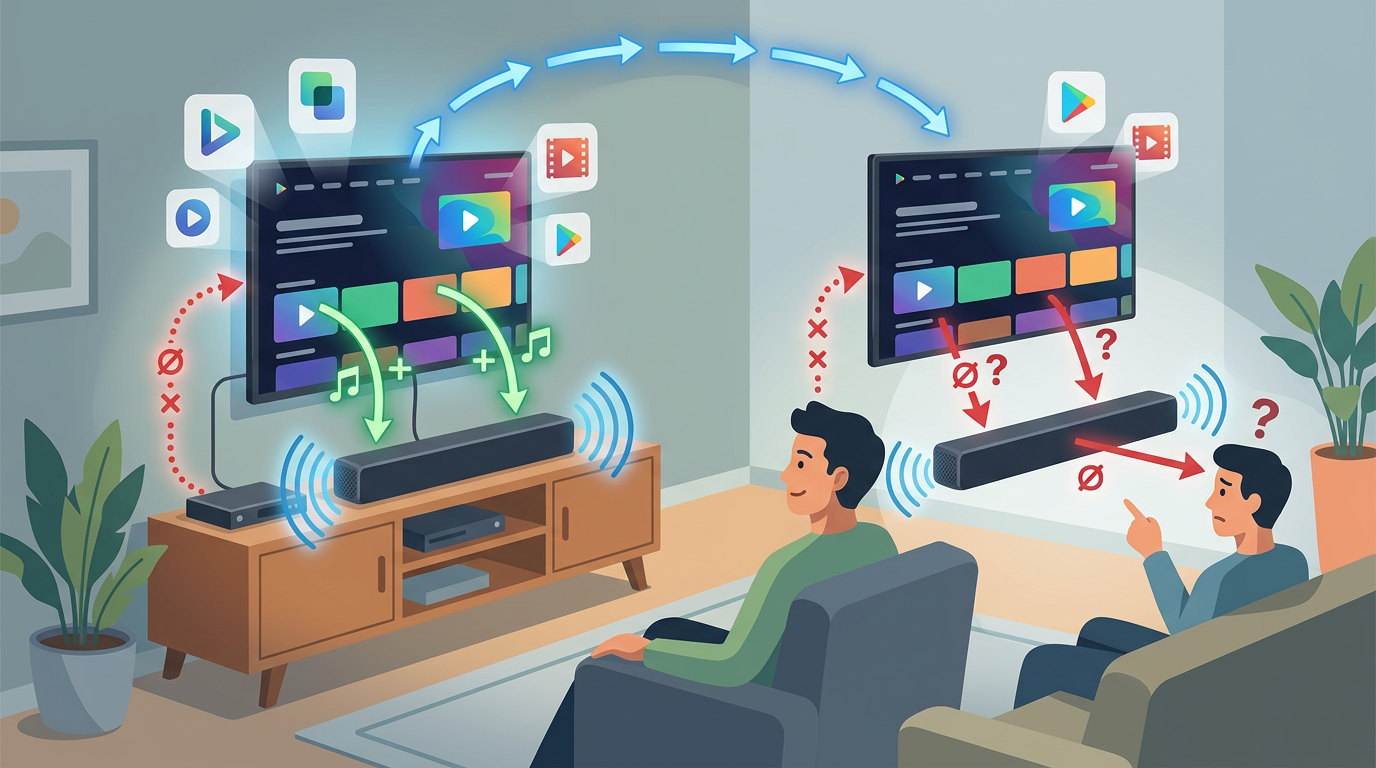
That screening starts with the part everyone assumes is boring: the connection. You plug in a soundbar, set the TV to “External Speakers,” and expect it to just stay working. Then the TV turns on and the bar doesn’t. Or volume buttons stop responding. Or you get audio from the bar on Netflix but not from your cable box.
Most of this comes down to HDMI ARC/eARC behaving differently across TVs, and cheap bars being picky about it. ARC should let one HDMI cable carry sound back to the bar and pass volume control through the TV remote, but real life adds wrinkles: some TVs need HDMI-CEC enabled, some label ARC on only one port, and some bars don’t handle odd formats cleanly. If your TV is set to output Dolby Digital and the bar only reliably takes PCM, you’ll hear dropouts or silence until you dig through menus.
Optical can be steadier, but it often gives up easy volume control and can force you into juggling remotes—an everyday annoyance that matters more than the spec sheet suggests.
Danger #2: Louder, yet still muddy—why dialogue modes sometimes make it worse
That “juggling remotes” moment is also when people hit the next trap: the bar gets louder, but voices still don’t lock in. You tap “Voice” or “Dialogue” and expect a clean lift in speech. Instead, words sound pinched, sharp, or weirdly buried under room noise, even at higher volume.
On cheap soundbars, dialogue modes often work by boosting a narrow slice of the midrange and squeezing the whole mix with heavy compression. If the bar is already thin in the mids or the TV show’s audio is messy, that boost can drag up hiss, crowd noise, and harsh “S” sounds along with the dialogue. Compression can also make music and effects sit on top of speech, because everything gets pushed toward the same loudness.
The friction is you’ll keep riding the volume anyway, just with more fatigue. When you demo or read reviews, look for “dialogue stays clear at low volume,” not “it gets louder,” and pay attention to complaints about harshness or listening fatigue.
Danger #3: Bluetooth lag and lip-sync drift that makes TV annoying
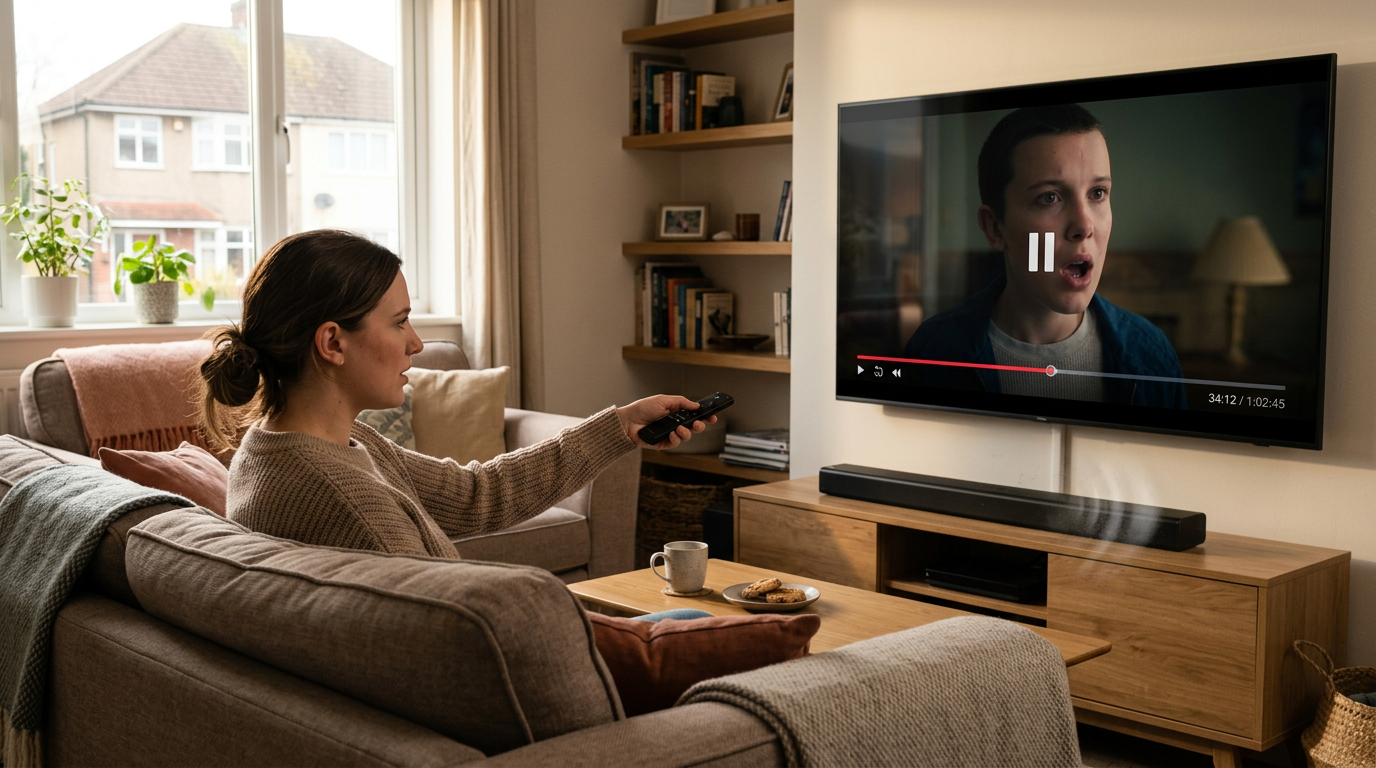
That “clear at low volume” test can still fall apart the moment you switch inputs and the bar quietly jumps to Bluetooth. Suddenly the dialogue sounds fine, but mouths look a beat behind. Some nights it’s subtle. Then you open YouTube, a streaming app, or a live sports feed and the delay becomes the only thing you can notice.
Bluetooth adds buffering, and cheap bars often don’t handle it consistently. Your TV may also delay video for motion smoothing or upscaling, and the two delays don’t always match. If the bar has no usable lip-sync setting (or only coarse steps), you’re stuck. Worse, “Auto” modes can drift: you pause, rewind, or an ad break hits, and sync shifts until you power-cycle something.
The practical fix is simple: treat Bluetooth as a phone/music feature, not a TV connection. For TV, prioritize HDMI ARC (or optical if you must) and confirm there’s an adjustable A/V sync control that actually works at the connection you’ll use. Then the next problem tends to show up: bass that’s big on paper but messy in a room.
Danger #4: ‘Big bass’ claims that turn into rattles, pumping, or neighbor problems
That “big on paper” bass is usually where a cheap soundbar goes from “pretty good” to distracting. In a small room, you bump the volume for a movie, the bar hits a low note, and you hear the cabinet buzz, the wall behind the TV chatter, or the sound “breathe” as the bass swells and the rest of the mix suddenly ducks.
Budget bars often fake impact by boosting upper-bass and using aggressive limiting. If the drivers can’t move enough air, the bar clamps down to protect itself, which is the “pumping” effect—bass hits, then voices and effects seem to shrink for a moment. If it includes a tiny wired/wireless sub, placement becomes the trap: shove it near a corner and it gets louder, but boomier, and that boom masks dialogue right when you bought the bar to fix dialogue.
Watch for reviews that mention rattles at moderate volume, “boomy” bass, or night-mode that still shakes the room. If you can’t keep bass controlled, living with the bar gets annoying fast—especially when the controls are clunky.
Danger #5: Living with it—quirky remotes, confusing modes, and return headaches
That “controls are clunky” part is where a cheap soundbar can become a daily annoyance. You sit down to watch, hit volume up, and the bar wakes in the wrong input or the wrong sound mode. Then you’re hunting for a tiny button on a flimsy remote, cycling through “Movie / Music / News / 3D” with no clear feedback, while the TV’s on-screen volume no longer matches what the bar is doing.
The trade-off is simple: low price often means messy control logic. Some bars forget settings after power loss, some ignore the TV remote unless HDMI-CEC behaves perfectly, and some “auto” features override you—like auto-surround that smears dialogue again, or auto-Bluetooth that steals the connection. If you share the TV, this turns into constant “who changed it?” moments.
Before you buy, scan reviews for “remembers settings,” “single remote,” and “easy to switch inputs.” Also check return terms, keep the box, and test every connection in the first week.
If two dangers show up in your situation: the short ‘must-have’ list and the better-value escape routes
That “test every connection in the first week” advice is your exit ramp: if you’re already seeing two of these dangers, don’t keep debugging a $99 bar. Screen for a must-have core: HDMI ARC with reliable CEC volume, a real optical fallback, adjustable lip-sync on the input you’ll use, and settings that stick after power-off. If reviews mention “random input switching,” skip it.
If that list pushes you toward pricier models, take the better-value route instead: buy a used name-brand bar from a retailer with easy returns, or go with small powered speakers (or a compact 2.0 amp + bookshelf speakers) if you can run one cable. Make the choice once, then stop thinking about it every night.